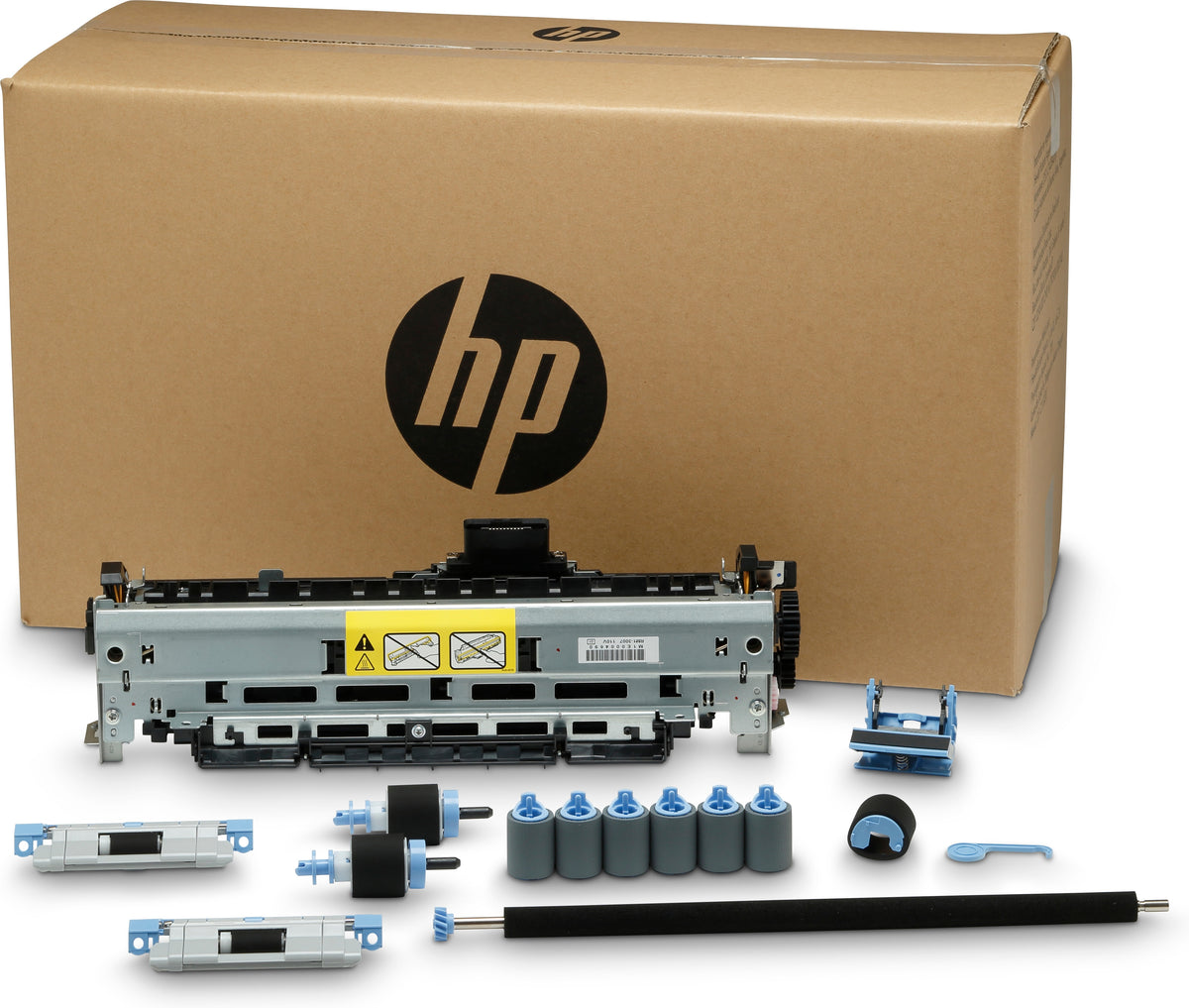

Q7833A
Q7833A
HP Inc
To Reset or Clear the Maintenance Kit Count Via Control Panel:
- Turn the printer off
- Wait a few seconds and turn the printer on.
- When you see the memory count begin, press and hold the 6 key.
- When all three LED lights remain lit, release the 6 key.
- "Select Language" should appear in the display, press the 3 key once.
- ?New Maintenance Kit? should appear in the display, press the 6 key to select it
- The printer should continue its boot sequence and will turn into a READY state after a couple of minutes.
searchonly HP LaserJet Enterprise M5039,HP LaserJet M5025,HP LaserJet M5035,Printer Maintenancekits,MK5025,MK5035,MKM5025,MKM5035,Q783367901,Q7833-67901,Q7833A,Q7833A.,M5039,M5025,M5035,Q783367,Q7833,Q7833,Q7833
€324,45 EUR
Excluding Tax.
Shipping calculated at checkout.
Leadtime 7-10 days (Please note: this item may require a longer lead time. You will receive an email with the expected due date. Thank you for your patience.)
Quantity
Couldn't load pickup availability